
Media Distribution
- Go to leagueminder.com to log in to LeagueMinder.
- Enter your Username and Password in the designated fields. Click “Login.”
- On the left-hand side of the screen, click “Administration.” Then scroll down to “Additional Features” and select “Media Distribution”

- After clicking on this tab, a new page will appear where you can add new contacts to distribute the media to.
- Click on
 at the top right and a pop up screen will appear to enter the contacts information.
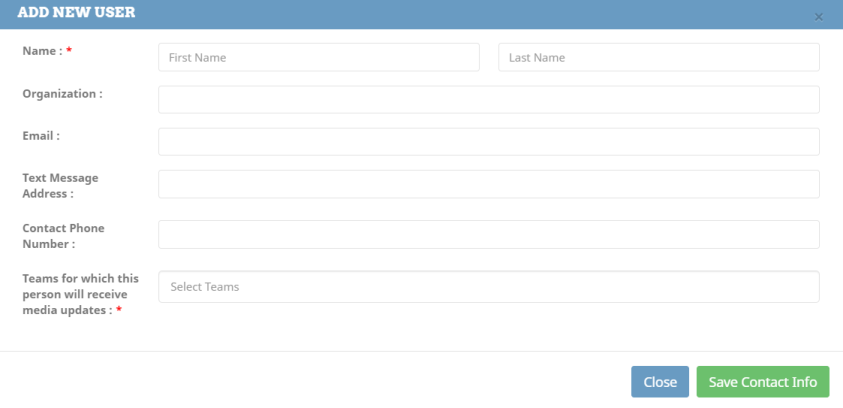
- When completed, click save contact info at the bottom.
- You can send stats and scores to newspaper companies this way as well.