
Update Sports League
- Go to leagueminder.com to log in to LeagueMinder.
- Enter your Username and Password in the designated fields. Click “Login.”
- On the left-hand side of the screen, click “Administration.” Then scroll down to “Sport/ Team Administration” and select “Update Sports League”
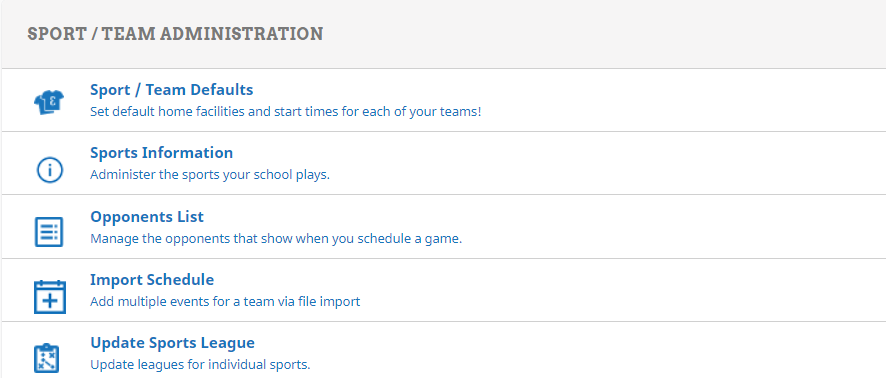
- After clicking on the tab, a new page will appear where you can select one of your team and then choose from a drop down box of which league to place them into.
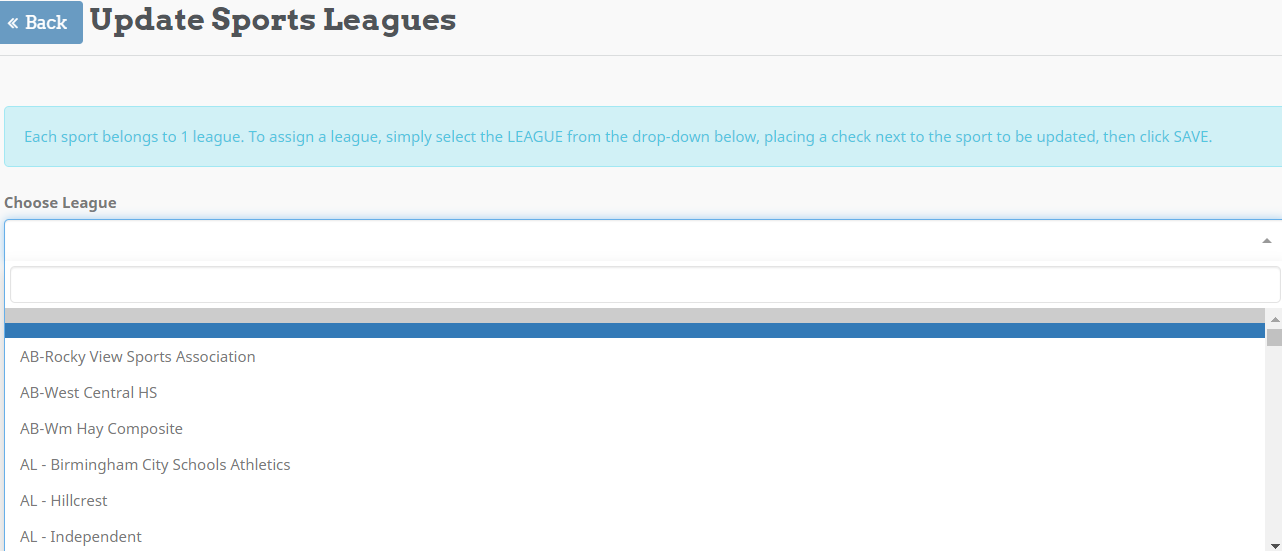
- After selecting the league, scroll down to the bottom and click save. A pop up screen will appear and say approved.